🎙️
VoiceHelper
Your voice. AI-enhanced. Instantly organized.
Dictate anywhere, capture web insights, and let VoiceHelper deliver beautifully polished notes straight to Obsidian—in any of 99 languages.
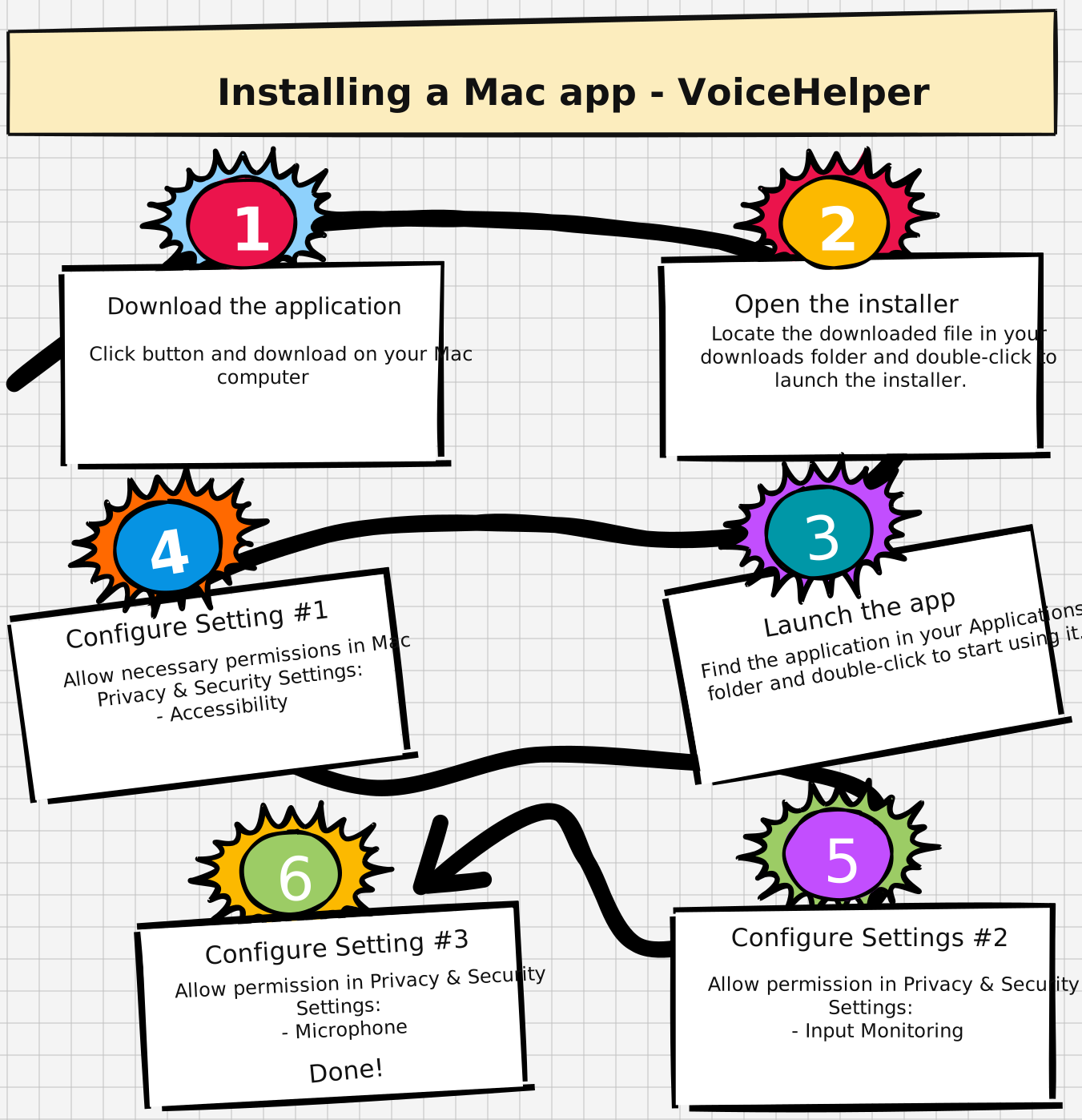
How to install and configure the app
💡 Need help?
If you encounter any issues during installation or setup, you can access the Mac configuration guide from the app's Settings menu (press Ctrl+Shift+/ to open Settings). For additional support, contact us at support@voicehelper.app.